
Google Sheets Add-on
Conditional Cell Lock & Data Validation
Create rules like "IF Status = Done, THEN require Approval" and SheetGuard enforces them in real time. Invalid edits are automatically reverted.
Create rules like "IF Status = Done, THEN require Approval" and SheetGuard enforces them in real time. Invalid edits are automatically reverted.
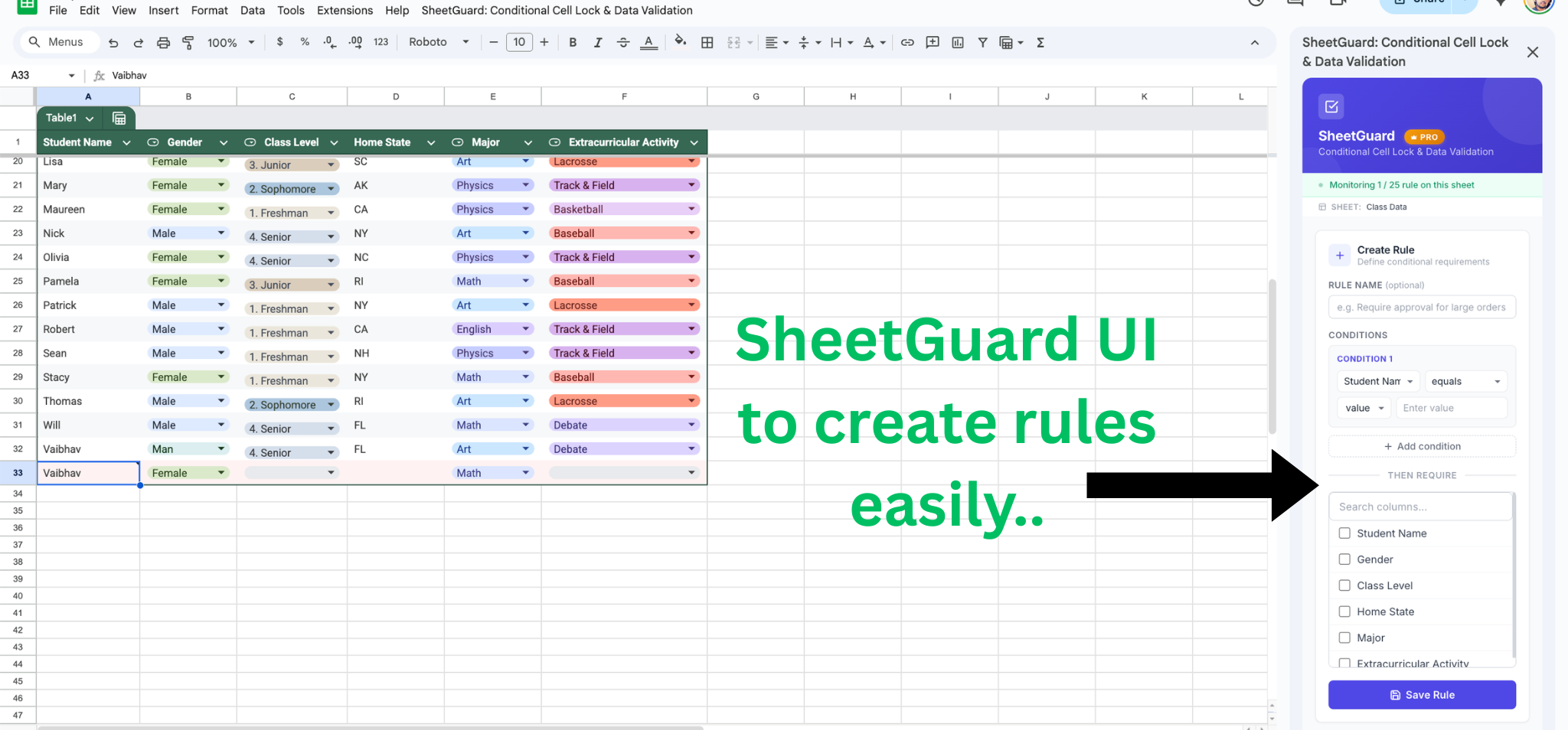
Choose a column and operator. For example, "Status equals Complete" or "Amount is greater than 1000".
Select which columns must be filled (or match a specific value) when the condition is true.
SheetGuard monitors every edit in real time. Invalid changes are reverted instantly with a clear explanation.
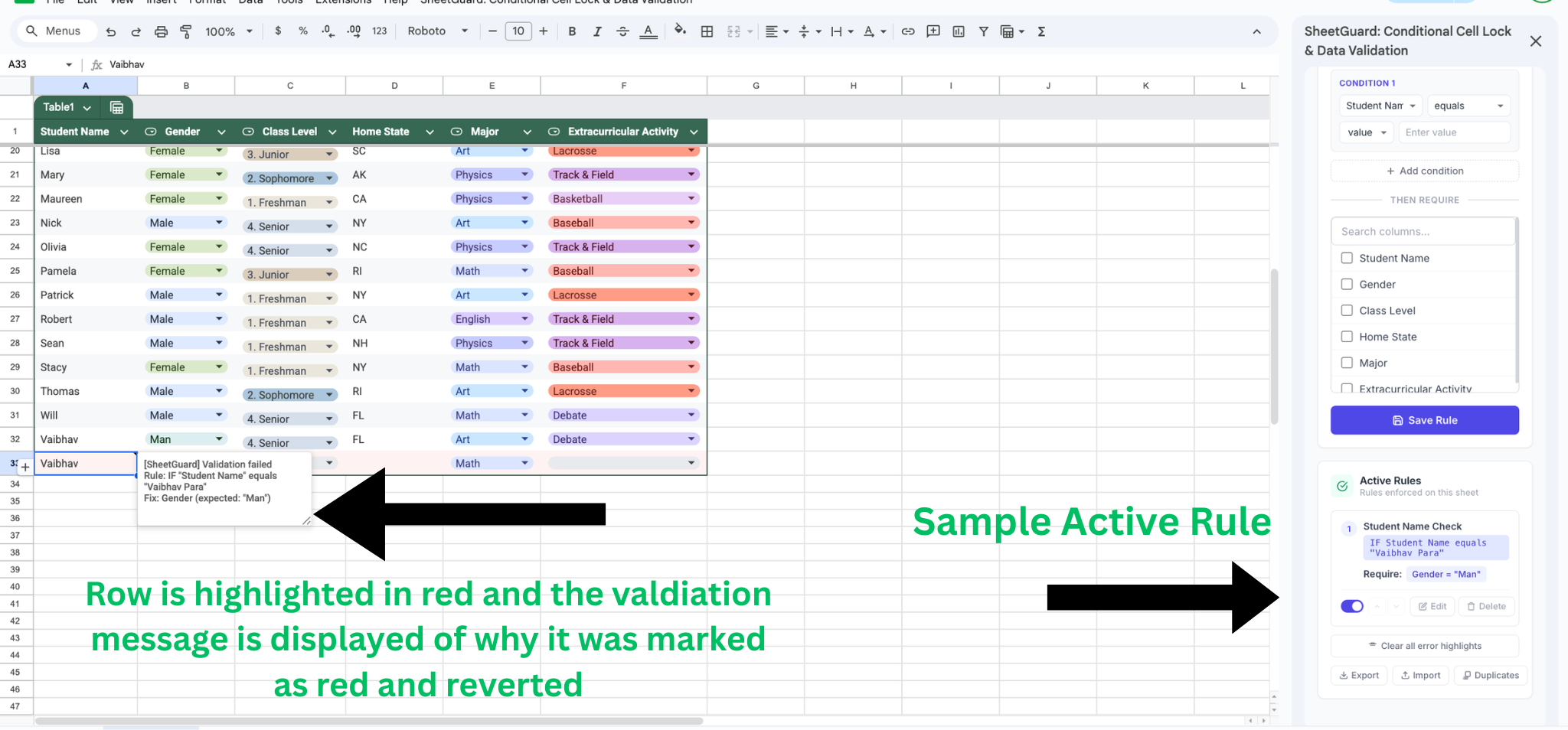
Violations highlighted with clear error messages
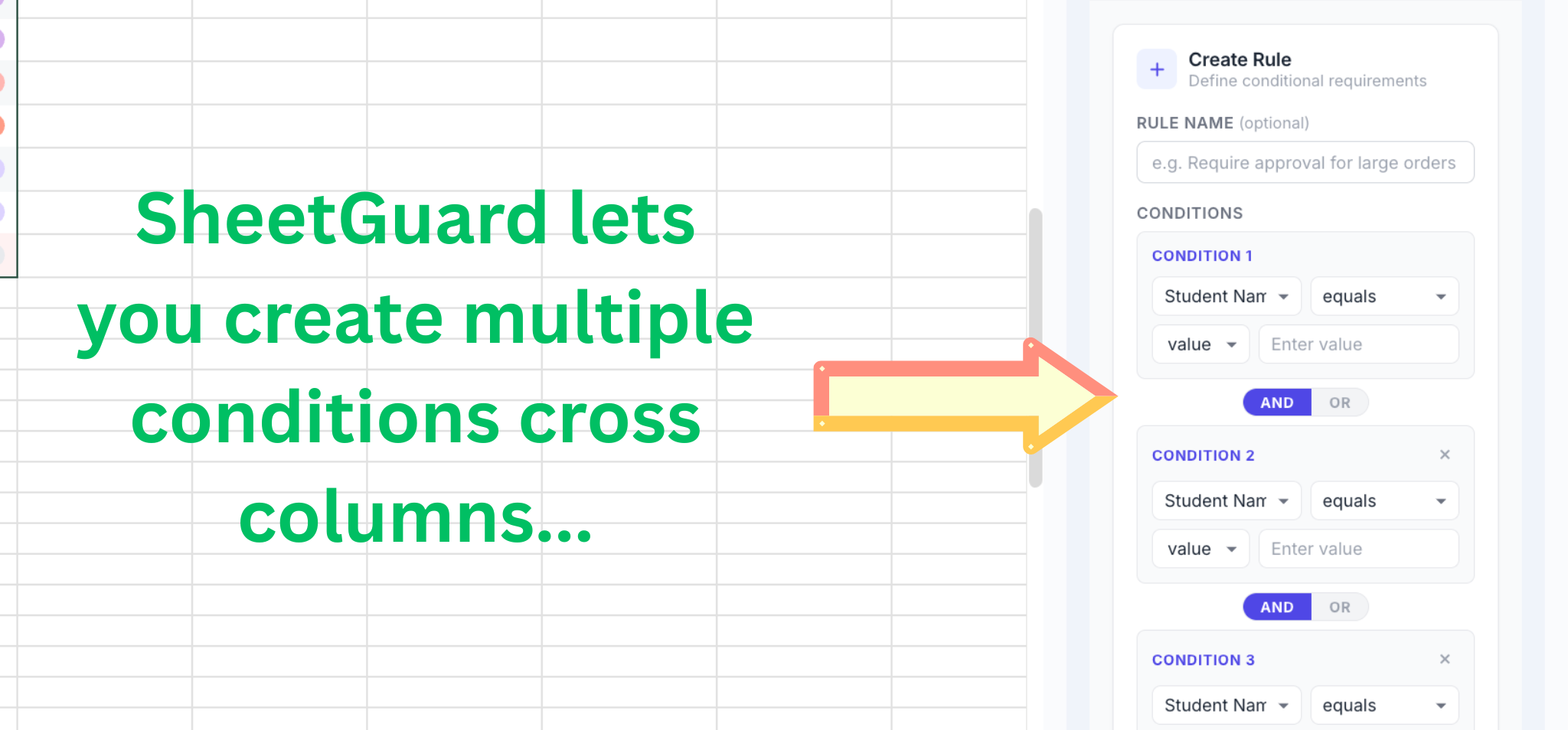
Multiple conditions with AND/OR logic
Rules trigger instantly on every cell edit. Invalid changes are reverted before they can propagate.
Validates hundreds of pasted rows at once. Violating rows are highlighted in red with detailed error notes.
Only the spreadsheet owner can create and manage rules. All editors have rules enforced automatically.
Combine multiple conditions with AND or OR operators to create complex validation rules. Pro
Compare columns against each other: "IF Amount > Budget" or "IF End Date > Start Date". Pro
Back up your rules as JSON and import them into other sheets. Share rule sets across spreadsheets.
Install SheetGuard in seconds. No configuration needed — just create your first rule and go.
Install from Google Workspace Marketplace